
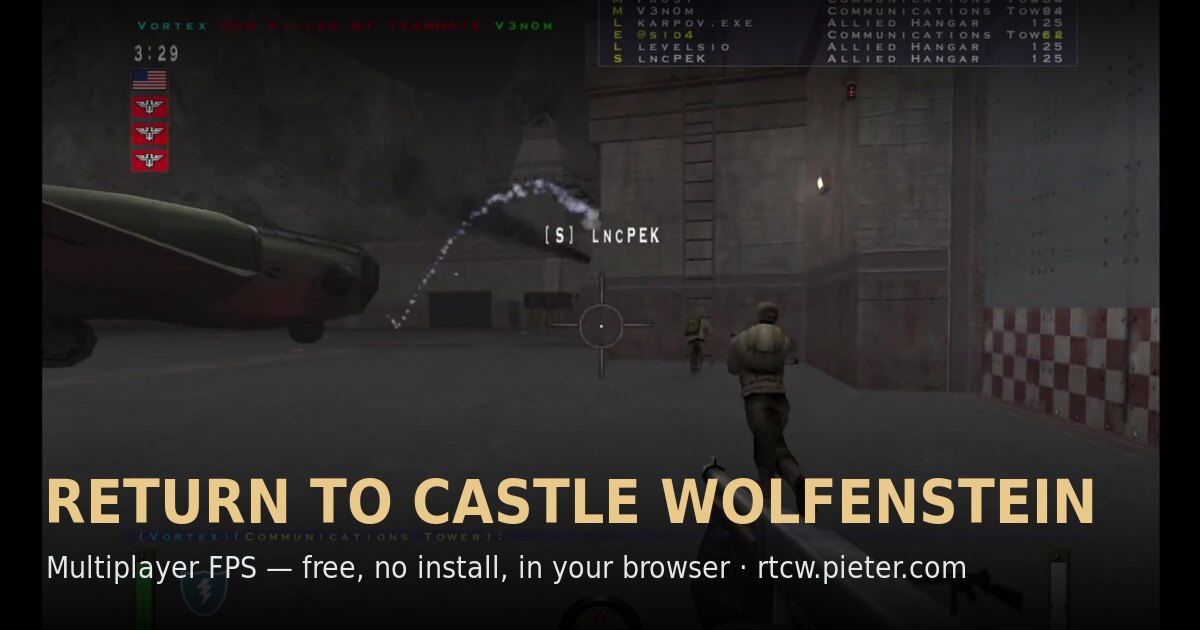
What this entry actually is.
Return to Castle Wolfenstein is entry nineteen in the source reply. The linked project says it combines iortcw and Wwasm in WebAssembly and provides the mp_beach multiplayer experience. It also warns that the first load is roughly 380 MB and recommends desktop Chrome.
Those details are enough to set realistic expectations without claiming a complete browser edition. The project is unofficial and non-commercial. A cached first load may make later visits faster, but private browsing, storage cleanup, or browser limits can remove that data. Campaign availability, other maps, controller support, mobile play, and full compatibility are not established by this directory.
This project can be identified from the Radiant Optimizer source list, but we have not confirmed a complete playable session or every feature.
Check first. Load second.
- Use the project-recommended desktop browser and a stable connection with enough time and storage for the first large download.
- Keep the tab open while files download and compile. Check the browser’s storage permissions if the project reloads everything on each visit.
- After the menu appears, use the project’s current controls and multiplayer instructions rather than a guide for the original retail game.
The external destination is operated separately from Radiant Optimizer Games. A source link can change after our review date, so compare the hostname and current page identity with the notes above before interacting with it.
What you may need.
- Game files
- The project recommends desktop Chrome and describes an initial download of roughly 380 MB that can be reused from cache.
- Browser & device
- Desktop Chrome is the documented recommendation. Mobile, Safari, Firefox, and controller support are Information unavailable.
- Account
- Information unavailable unless the external project explicitly says otherwise. This directory requires no account.
Controls documented for this project.
Information unavailable here. Follow the project’s current keyboard and mouse bindings.
Browser support is project-specific.
Desktop Chrome is the documented recommendation. Mobile, Safari, Firefox, and controller support are Information unavailable.
In general, WebAssembly and WebGL projects work best in a current desktop browser with hardware acceleration and enough free memory. That general baseline is not evidence that this specific entry works on Chrome, Edge, Firefox, Safari, a Chromebook, or a phone. Where the project does not document support, this guide says “Information unavailable.”
If a page loads but the game does not, use the troubleshooting checklist to separate a changed host, blocked graphics, missing files, storage limits, and a genuinely broken build.
Limits to know before you click.
- The first load is large and can look stalled on a slow or filtered connection.
- Clearing site data can force the approximately 380 MB download to happen again.
- The project focuses on an mp_beach multiplayer experience and is not an official full-game browser release.
These notes describe the project interface evidence reviewed on October 11, 2026. They are not a permanent uptime promise, malware scan, licensing opinion, or full gameplay review.