
How the Half-Life Xash3D browser project works
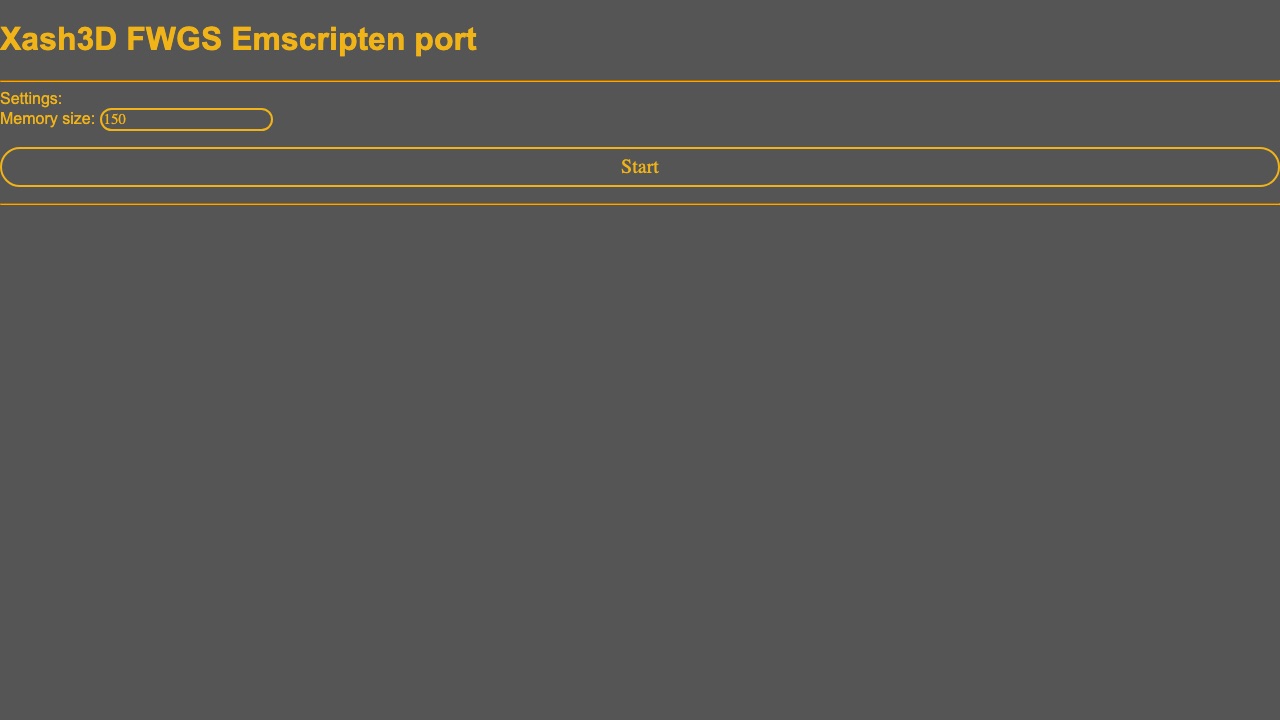
Half-Life appears as entry twenty-one in the source reply and links to a Pixelsuft GitHub Pages project. The associated repository identifies an Emscripten build in the Xash3D family. That confirms a browser-engine project, but it does not by itself explain which game data is bundled, what a visitor must own, or whether the complete retail campaign is available.
The Community Listed status records the identifiable project without turning missing documentation into claims. Valve affiliation, asset licensing, full-game coverage, controls, mobile support, multiplayer, and save behavior remain unavailable unless the project provides explicit evidence. Visitors who already own Half-Life should still follow project-owned instructions rather than download third-party data packs.
This project can be identified from the Radiant Optimizer source list, but we have not confirmed a complete playable session or every feature.
How to check the Half-Life browser build
- Open the project in a current desktop browser and read any on-page data or storage notice before starting.
- If the page asks for game files, use only data from a copy you legally own and follow the project’s exact format requirements.
- Do not obtain commercial files from an unofficial mirror or disable browser security to work around a failed load.
The external destination is operated separately from Radiant Optimizer Games. A source link can change after our review date, so compare the hostname and current page identity with the notes above before interacting with it.
Half-Life files and browser requirements
- Game files
- Information unavailable. The project and repository identify an Emscripten/Xash3D browser port, but this page does not infer commercial data rights or completeness.
- Browser & device
- A browser build is identifiable. Exact browser, mobile, memory, storage, and controller coverage are Information unavailable.
- Account
- Information unavailable unless the external project explicitly says otherwise. This directory requires no account.
Half-Life controls and input evidence
Information unavailable.
Half-Life browser and device compatibility
A browser build is identifiable. Exact browser, mobile, memory, storage, and controller coverage are Information unavailable.
In general, WebAssembly and WebGL projects work best in a current desktop browser with hardware acceleration and enough free memory. That general baseline is not evidence that this specific entry works on Chrome, Edge, Firefox, Safari, a Chromebook, or a phone. Where the project does not document support, this guide says “Information unavailable.”
If a page loads but the game does not, use the troubleshooting checklist to separate a changed host, blocked graphics, missing files, storage limits, and a genuinely broken build.
Half-Life current limitations
- The browser port identity is clearer than the provenance and scope of the game data it loads.
- Do not assume the complete retail campaign or official Valve support.
- Project status and hosted assets can change independently of the source thread.
These notes describe the project interface evidence reviewed on October 11, 2026. They are not a permanent uptime promise, malware scan, licensing opinion, or full gameplay review.