
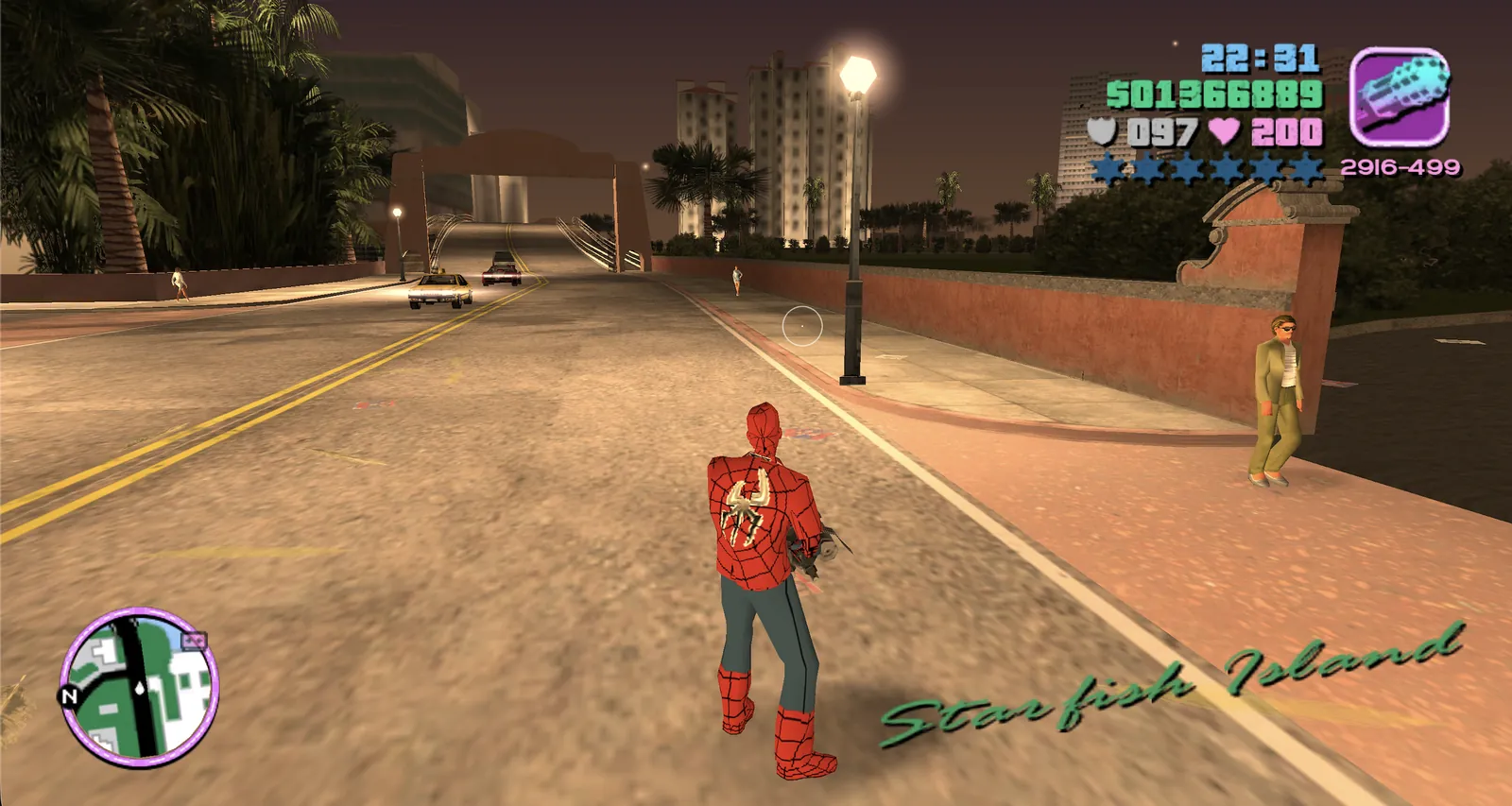
What this entry actually is.
GTA: Vice City is entry fourteen in the source reply. The linked project is more transparent than a typical “play GTA in browser” claim: it does not include the commercial assets. Its instructions require the visitor to prepare a game.tar.gz file, roughly 668 MB, from a legally owned copy. The browser stores that import through local web storage for later sessions.
Because the project depends on user-supplied data, this directory marks it Needs Files. No archive, asset pack, or conversion output is provided here. The WebAssembly engine and the original game data are different layers, and a working landing page does not prove every mission, cutscene, save, sound, or input path behaves like the commercial release.
The project says you must supply files from a copy you own. This directory does not provide, convert, or mirror commercial game data.
Check first. Load second.
- Read the project README and prepare the documented game.tar.gz only from a copy you legally own.
- Use a current desktop browser with enough free disk space, then keep the import tab open until local storage finishes writing.
- After a successful import, test a short session before relying on saves. Avoid private browsing or cleanup tools that erase site data.
The external destination is operated separately from Radiant Optimizer Games. A source link can change after our review date, so compare the hostname and current page identity with the notes above before interacting with it.
What you may need.
- Game files
- A legally owned copy prepared as game.tar.gz (about 668 MB according to the project), plus substantial local browser storage.
- Browser & device
- The project documents modern desktop browsers and recommends current Chrome, Firefox, or Safari releases. Phone support is not established here.
- Account
- Information unavailable unless the external project explicitly says otherwise. This directory requires no account.
We do not host game data, provide download mirrors, or validate third-party asset packs. Follow the project’s current documentation and the license for your copy.
Controls documented for this project.
Information unavailable in this directory. Follow the project’s current keyboard and controller instructions.
Browser support is project-specific.
The project documents modern desktop browsers and recommends current Chrome, Firefox, or Safari releases. Phone support is not established here.
In general, WebAssembly and WebGL projects work best in a current desktop browser with hardware acceleration and enough free memory. That general baseline is not evidence that this specific entry works on Chrome, Edge, Firefox, Safari, a Chromebook, or a phone. Where the project does not document support, this guide says “Information unavailable.”
If a page loads but the game does not, use the troubleshooting checklist to separate a changed host, blocked graphics, missing files, storage limits, and a genuinely broken build.
Limits to know before you click.
- The first import is large and must be created from game data you legally own.
- Browser storage, private mode, or automatic data clearing can remove the imported files.
- This community project is not an official Rockstar browser release.
These notes describe the project interface evidence reviewed on October 11, 2026. They are not a permanent uptime promise, malware scan, licensing opinion, or full gameplay review.